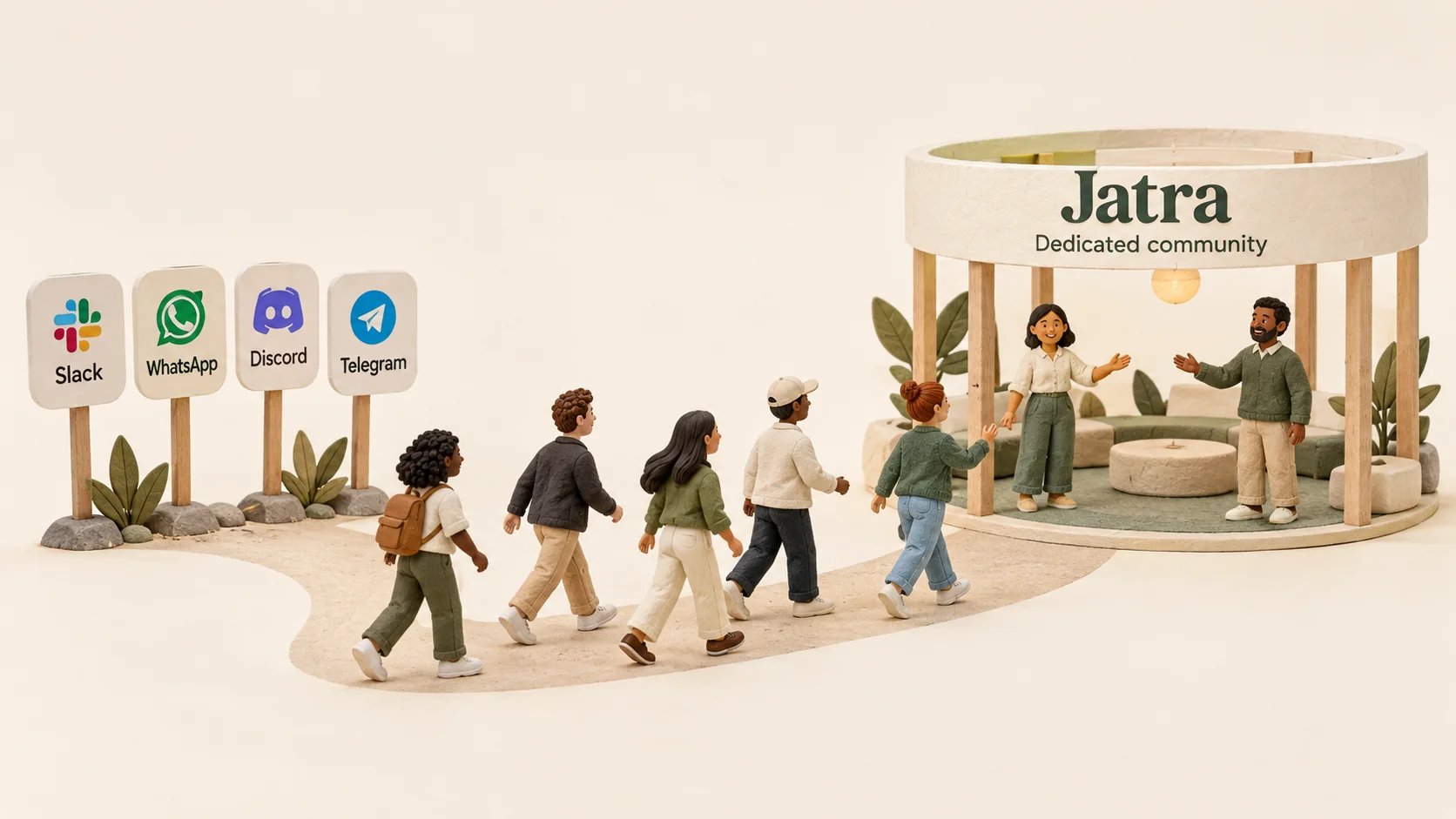

At CrazyEngineers, I once made the site slow on purpose. For one member.
This person was one of our regulars. Knew their stuff. But they were rude, especially to newcomers. Someone would ask a basic question in their first week, and this member would make them feel stupid for asking.
I sent DMs. I asked nicely, several times. Nothing changed. I gave it months.
Then I did something I'm still not sure I'd recommend. I added a feature that only affected that one account: forced page delays, slow loads, a few blank pages here and there. Everyone else had a smooth experience. I told them directly that the community experience wasn't going to be good for them from now on, because this wasn't the experience we aimed for.
They got annoyed and slowly stopped using the community. It was a sacrifice. We lost a knowledgeable member. But it helped the community in the long run, because newcomers stopped getting burned on their first post.
That's when I really understood what onboarding is. It's not a welcome email. It's what happens to a new person the first time they put themselves out there.
I've been running online communities for twenty years. CrazyEngineers has 400,000+ members, and today I build Jatra, a community platform. Here's how I'd design community onboarding today, with welcome message examples you can copy.
Why onboarding matters more than anything else
Most people who visit your community will never post.
Jakob Nielsen wrote about this back in 2006 as participation inequality: in most online communities, about 90% of people only read, about 9% contribute now and then, and about 1% create most of the activity.
You can't flip that ratio. But you can move a lot more people from the 90 into the 9. And almost all of that happens in their first few days.
There are two kinds of lurkers, and they need different things:
- Guests without an account. They found you on Google, through a referral or an invite. They visit a few times before deciding to join. These people are actually the most likely to become active members.
- Members who don't know what to post. They signed up, looked around, and froze.
Good onboarding works on both. That's why I always say onboarding is one of the most important parts of the community experience, and it deserves a lot of design time.
Pick the one first action you want
Most onboarding tries to do too much. Fill in your profile, read the rules, introduce yourself, join five groups, download the app.
Pick one thing. The single first action that makes someone part of the community.
For a customer community, it's usually asking their first question or replying to one thread. For a hobby or brand community, it might be introducing themselves or sharing their setup. For a developer community, it's often posting the problem they're stuck on.
Then make that one action as easy as possible. Nielsen's advice from the same article still holds: the lower the barrier, the more people will do it. A prompt like "What are you working on right now?" gets far more replies than an empty box.
Win the guests before they sign up
Your onboarding starts before anyone creates an account.
A guest landing from Google should see real answers, written by real people, without a login wall. That's what convinces them the place is worth joining. Hide everything behind sign-up, and most of them leave before you ever get a chance.
Then give them an obvious next step on every page: ask your own question, reply to this thread, follow this topic. Not a pop-up on arrival. A clear button when they're ready.
Ask very little at sign-up
Every field you add at sign-up loses you people.
Ask for what helps you welcome them, and nothing more. Their name. What they're interested in. Optionally, a line about themselves.
On Jatra, owners can switch on member onboarding (it's off by default, and it needs an Introductions channel). When it's on, new members pick their interests and are invited to write a short introduction. Many of them do, and it gives them a head start, because they've already posted something before they've even looked around.
The first 24 hours decide everything
A new member's first day is mostly psychological. They need to feel welcome, and that only comes from other people responding.
So when someone posts for the first time, make sure something happens. A few likes go a long way. An introduction gets a "hey, welcome to the community." A first reply gets a like, or a follow-up question that keeps the conversation going.
All of it within 24 hours. Not three days later, when they've already decided nobody's there.
In the early days, message every new member yourself. Look at their profile, mention something interesting, ask a simple question. When I did this at CrazyEngineers, about 10 to 20% replied, and those were the people who became active. I stopped only when we hit 30 to 40 sign-ups a day.
Community welcome message examples
Here are messages you can adapt. Change the words so they sound like you. People can tell a template from a person.
A public reply to an introduction:
Hey [name], welcome to the community! [Something from their intro: "Pune is a great place to be building a SaaS."] What made you join? If you're stuck on anything right now, post it. Someone here has probably been there.
A private message from the founder or community manager:
Hi [name], I'm [your name], I run the community here. I saw you're working on [thing from their profile]. Curious, what's the biggest headache with that right now? Happy to point you to a few threads that might help.
A nudge for a member who joined a week ago and hasn't posted:
Hey [name], noticed you've been reading a few threads on [topic]. There's a question in [thread] that I think you'd have a good take on. Would love to hear what you think.
A prompt to pin in your Introductions channel:
New here? Tell us three things: what you do, what you're working on right now, and one thing you'd like help with. That's it.
Tip: Don't automate the welcome DM. People can tell when a message is a template, and an obviously automated "Welcome aboard! 🚀" does more harm than no message at all.
Your first 30 days with a new member
Here's the rhythm I'd follow for each new member, especially while the community is small.
Swipe sideways to see every column.
| When | What happens |
|---|---|
| Day 0 (sign-up) | They pick interests and see an invitation to introduce themselves. |
| Within 24 hours | Their first post gets a like and a reply. If they introduced themselves, someone welcomes them by name. In the early days, the founder sends a personal message. |
| Day 3 | If they haven't posted, nothing yet. Let them read. |
| Day 7 | Still quiet but visiting? Tag them in a thread they'd know something about, or send the nudge message above. |
| Day 14 | If they've posted, thank them in public when they help someone. Recognition keeps people around. |
| Day 30 | Look at who came back. Those are the people to get to know personally. |
Protect newcomers from your regulars
This is the part most onboarding guides skip.
You can design the perfect welcome flow, and one rude regular will undo it in a single reply. New members judge the whole community by the first response they get.
So watch how your regulars treat new people. When someone answers a beginner's question with "just Google it" or worse, step in. Talk to them privately, like adults. Most people will adjust once you explain it. And if someone keeps doing it after several conversations, protecting newcomers matters more than keeping them. I learned that the hard way.
Measure whether onboarding is working
You don't need fancy analytics for this. Watch three numbers:
- How many new members post in their first week. This is your onboarding score.
- How many come back in their second week. This tells you whether the first experience was good.
- How many new active members you get each month. Not sign-ups. Active members.
Jatra's analytics show new active users, returning users and returning rate on the community health card, so you can see this without a spreadsheet.
If your first-week posting number is low, look at the first action. Is it too hard? Is nobody responding? Nine times out of ten, it's the second one.
Frequently asked questions
What is community onboarding?
Community onboarding is everything that happens between someone finding your community and becoming a regular: what guests see before signing up, what you ask at sign-up, how people respond to their first post, and how you follow up in their first few weeks.
What should a community welcome message say?
Use their name, mention something specific about them, and ask one easy question. Keep it short. The goal is to start a conversation, not to explain every feature of the community.
Should you automate welcome messages?
Not the personal ones. People can tell a template from a real person. Automate the simple things, like an invitation to introduce yourself, and keep the welcome replies and DMs human.
How do you get lurkers to post?
Tag them in a thread they'd know something about, or send a short personal message asking what they think. You'll be surprised how often they respond. Lowering the effort helps too: a specific question gets far more replies than an empty box.
How long should community onboarding take?
The critical part is the first 24 hours. The full process runs about a month: welcome, a nudge in the first week, recognition once they help someone, and then getting to know the ones who stick.
Where I'd start
If I were fixing onboarding in a community tomorrow:
- Pick one first action and make it easy.
- Keep public content open, so guests see the value before they join.
- Ask for interests and an optional intro at sign-up, nothing more.
- Make sure every first post gets a response within 24 hours.
- Message new members personally while you can.
- Watch how your regulars treat newcomers.
- Track first-week posts and second-week returns.
That's it. Onboarding isn't a flow you design once. It's how your community treats the newest person in the room, every single day.
For the rest of the daily work, read how to manage an online community. Starting from scratch? See how to build an online community. If you'd like help with yours, book a call.