Sign In with Email and Password
Use your platform credentials to access dashboard and community creation.
2 min read
Updated Mar 4, 2026
Before You Start
- Make sure you have your account email address.
- Keep your account password ready.
- Use the same email you used during account creation.
Step 1: Open the Sign In Page
- Go to the Jatra platform login page.
- Confirm you are on the page titled `Sign in to your dashboard`.
Step 2: Enter Your Login Details
- Enter your email address in the `Email` field.
- Enter your password in the `Password` field.
- Click `Sign In`.
Step 3: Confirm Dashboard Access
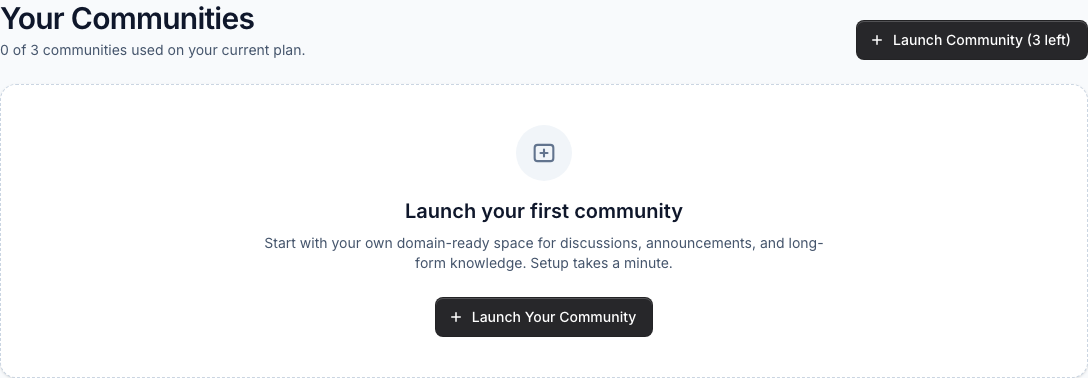
- After sign in, you should land on your Dashboard.
- You should see your community list or the `Launch Community` card.
Troubleshooting
- If sign in fails, check that your email is typed correctly.
- Check that Caps Lock is off while entering your password.
- If you still cannot access your account, contact support from the support page.
Expected Result
You can sign in successfully and open your platform dashboard.